

What Does the Green Dot Mean on Snapchat?
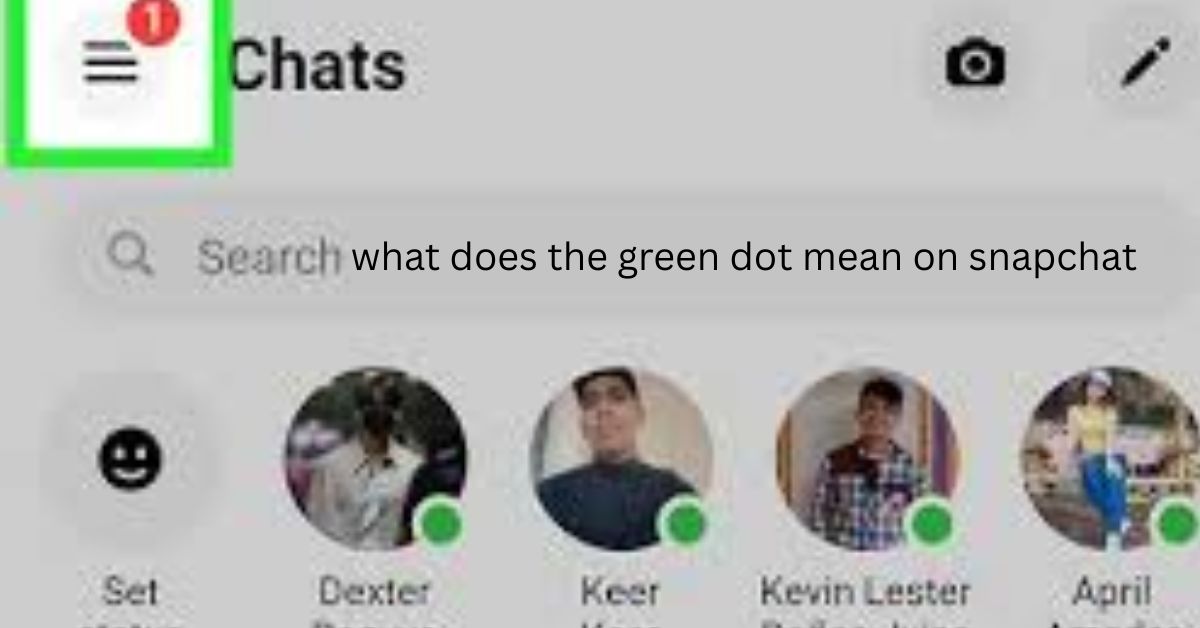
Snapchat’s green dot is a modest indicator of status. In some locations, it shows up next to a friend’s Bitmoji or profile. Many users note it and ponder what it actually means.
In other words, the green dot indicates recent Snapchat activity of a person. It does not imply that they are right now chatting with you or keeping an eye on your profile.
Where You See the Green Dot
You may see the green dot in a few common places:
- Next to a friend’s Bitmoji in the Chat tab
- On a friend’s profile screen
- In the Quick Add or friends list
- It does not appear everywhere in the app. Snapchat shows it only in certain areas.
What the Green Dot Actually Means
- Recently Active Status
- The green dot means the person was active on Snapchat recently.
This could include actions like:
- Opening the app
- Viewing stories
- Checking messages
- Browsing content
- It does not mean they are online at the exact moment you see it.
- Not Real-Time Activity
- Snapchat does not show live online status like some messaging apps.The green dot is not updated second by second.
- Someone may have used Snapchat minutes ago, then closed the app. The green dot can still appear for a short time.
What the Green Dot Does NOT Mean
Many users misunderstand this feature. Let’s clear that up.
The green dot does not mean:
- Someone is stalking your profile
- Someone is chatting with you
- Someone is ignoring your message
- Someone is watching you
- It only shows recent activity on the app.
Why Snapchat Added the Green Dot
- To Show Friend Availability
- Snapchat added the green dot to make conversations feel more social.It helps users know which friends are active around the same time.
This can make starting chats feel more natural.
- To Match Other Social Apps
- Many social platforms show activity status in some form.
- Snapchat’s green dot is a softer version. It avoids exact timestamps.
Can You Turn Off the Green Dot?
- Yes, you can.
- Snapchat allows users to control their activity status.
How to Disable Activity Status
You can turn off the green dot by:
- Opening Snapchat
- Going to Settings
- Tapping Privacy Controls
- Selecting Activity Indicator
- Turning it off
- Once disabled, others will not see your green dot.
- You also may not see theirs.
Does Everyone See the Green Dot?
No.
- The green dot usually appears for:
- Friends you have added
- People you interact with often
- It may not appear for every user on your list.
- Snapchat limits visibility to keep the experience private.
How Long Does the Green Dot Stay?
Snapchat does not share an exact time limit.
In most cases:
- It appears shortly after someone uses the app
- It disappears after a period of inactivity
- The timing can vary. Do not treat it as a precise indicator.
- Alternatives to the Green Dot on Snapchat
- The green dot is not the only way Snapchat shows activity. Other features give hints too.
Snap Map Activity
Snap Map can show a friend’s last active time, if they allow it.
You may see messages like:
- “Active just now”
- “Active 5 minutes ago”
- This feature depends on location sharing settings.
- Chat Status Indicators
Inside chats, Snapchat uses other signs:
- “Opened” shows a snap was viewed
- “Delivered” shows it reached the user
- Typing indicators show active replies
- These are more direct than the green dot.
Story Views
- When someone views your story, you can see their name.
- This shows engagement but not current activity.
- Story views do not mean the person is online now.
Bitmoji Actions
- On Snap Map, Bitmojis sometimes appear moving or holding objects.
These actions reflect recent use, not live behavior. - They update only when the user opens Snapchat.
- Why the Green Dot Sometimes Confuses Users
- Snapchat keeps things casual and private.
- It avoids exact “online now” labels.
Because of this:
- Users may overthink the green dot
- Assumptions can feel personal
- Misunderstandings can happen
- It helps to remember that the dot is only a rough signal.
Should You Rely on the Green Dot?
- Not really.
- The green dot is helpful but limited.
It gives a general idea, not full information. - If you need to communicate, sending a message works better than checking status icons.
Is the Green Dot Safe for Privacy?
Yes.
Snapchat designed this feature with privacy in mind:
- No exact times
- No live tracking
- Full control to disable it
Users decide how visible they want to be.
Final Thoughts
So, what does the green dot mean on Snapchat?
It simply shows that a person was recently active on the app.
It does not mean they are online right now.
It does not mean they are focused on you.
Snapchat also offers alternatives like Snap Map, chat indicators, and story views. Each gives limited context.
The best approach is simple.
Use Snapchat to communicate, not to guess behavior.